Server Administration & Control Panels
A well-administered server runs reliably for years. Knowing your control panel, backup system, and monitoring tools is the foundation of stable hosting.
cPanel: The Industry Standard
cPanel remains the most widely deployed web hosting control panel in the world. It combines email management, file management, database administration, and domain configuration into a single interface. Shared hosting providers almost universally offer it.
The WHM layer sits above cPanel and gives resellers and server administrators the tools to create and manage individual cPanel accounts. Learning WHM is essential if you plan to run a hosting business or manage multiple clients.
cPanel's pricing model changed in 2019, moving to per-account billing. This pushed many providers toward alternatives like Plesk and DirectAdmin, so you will encounter all three in the wild.

Plesk and DirectAdmin as Alternatives
Plesk targets developers and agencies with a cleaner modern interface and strong Docker and Git integration. DirectAdmin is lightweight and fast, making it popular for high-density servers with many accounts. Both are significantly cheaper than cPanel at scale.
cPanel / WHM
Best for traditional shared hosting. Largest ecosystem of plugins and tutorials available.
Plesk
Strong for agencies and developers. Supports Docker, Git, and modern deployment workflows natively.
DirectAdmin
Lightweight and cost-effective. Ideal for VPS providers who host many accounts per server.
Command Line
Advanced admins prefer SSH access for speed and automation with tools like Ansible and Bash.
Backup Strategies That Actually Work
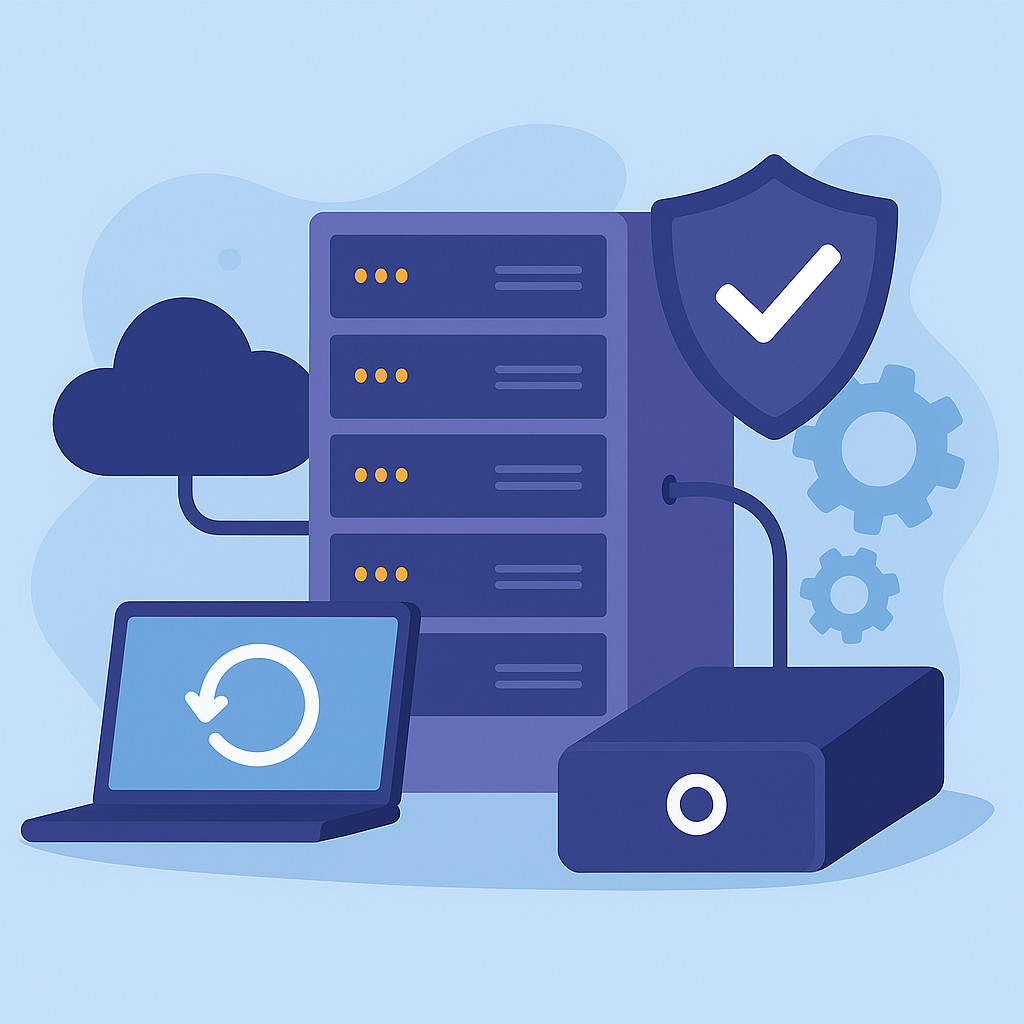
The most important rule in server administration is the 3-2-1 backup strategy. Keep three copies of your data, on two different media types, with one copy stored off-site. Control panel backups alone are not sufficient for production environments.
Automated daily backups should run to a remote location like Backblaze B2 or Amazon S3. Always test restoration from backup at least once per quarter. A backup you have never tested is not a backup you can trust.
Database backups need special attention. MySQL and MariaDB require either a consistent snapshot or a tool like mysqldump with the single-transaction flag to avoid corrupt dumps on busy databases.
Log Analysis and Monitoring
Server logs are your primary diagnostic tool when something goes wrong. Apache and Nginx access logs reveal traffic patterns and bad actors. Error logs pinpoint application crashes before users report them.
Monitoring tools like Netdata, Munin, and Zabbix give you real-time visibility into CPU, memory, disk, and network usage. Setting up alerts for threshold breaches prevents small issues from becoming outages.
Access Logs
Reveal which pages are hit most and where suspicious requests originate. Parse them with GoAccess for quick reports.
Error Logs
PHP and web server error logs are the first place to check after a site breaks. Rotate them regularly to save disk space.
Resource Monitoring
Track CPU and RAM trends over time. A memory leak often shows up in graphs days before it causes a crash.
Alerting
Configure alerts to notify you by email or Slack when disk usage exceeds 80% or CPU spikes above normal.